TOOLS THAT ASSIST AI REPORTING FOR TELECOM CONTRACTORS

Build a cleaner DFR in under 3 minutes.

NETWERKS64 packages telecom-specific AI prompts, sample output, and a delay log workflow into a practical reporting tool for crews that need faster, more organized daily field documentation.

ONE-TIME PURCHASELIFETIME ACCESSINSTANT DOWNLOAD
7 PROMPTSTELECOM REPORTING WORKFLOWS
$67CURRENT LISTED PRICE
5 FILESINCLUDED IN THE BUNDLE
Free tool

How much is manual field reporting costing your crew?

Most telecom crews lose 4–6 hours a week per tech to paperwork. Enter three numbers and see your annual cost in 30 seconds — no signup for the estimate.

What buyers get

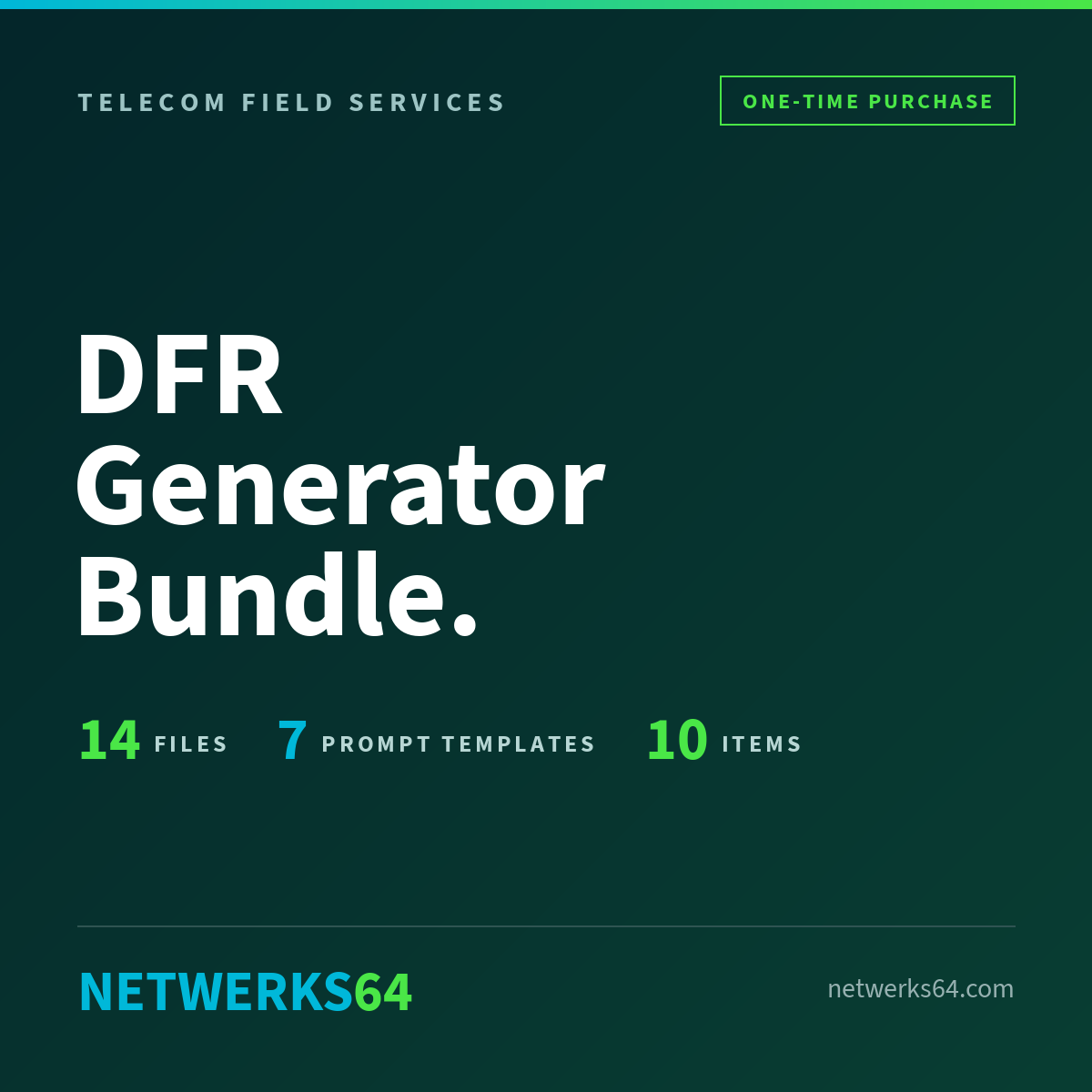
The DFR Generator Bundle includes seven telecom-specific AI prompt templates that help turn voice memos and field notes into cleaner Daily Field Report drafts, with five included files and instant access after purchase.

At a glance
Cuts DFR drafting from about an hour to under 3 minutes per report.
Works with the AI tools you already use — no new software or subscription.
7 work-type templates + 5 working files, instant download.
You stay in control: every draft gets human review before submission.
Prompt templates

7 telecom-specific AI prompts

Includes workflows for structured cabling, cell site and tower work, PIM testing, DAS and CBRS indoor, delay day, CBRS outdoor and private LTE, and OSP and fiber splice reporting.

Support files

5 files included

The current offer includes the DFR prompt template, how-to guide, sample DFR output, quick-start cheat sheet, and Delay Log Tracker.

Tool fit

Works with common AI tools

The product is positioned for use with major AI tools while keeping the final reporting responsibility with the buyer.

GET THE BUNDLE — $67

One-time purchase · Lifetime access · Instant download

Walkthrough on YouTube

See how the DFR Generator Bundle turns raw field notes into cleaner, faster Daily Field Reports for telecom crews. Watch the short walkthrough, then decide if it fits your workflow.

Primary demo

Watch the product demo

Open the walkthrough in a new tab to see the reporting workflow, the prompt structure, and how the bundle helps crews move from field notes to a cleaner report in minutes.

Support channels

See more from NETWERKS64

Watch more field-reporting walkthroughs on YouTube or connect on LinkedIn. Purchases are delivered securely and instantly through SendOwl.

FAQ

Questions about the DFR Generator Bundle

Straight answers for telecom contractors, PMs, crew leads, and owners who want faster field reporting without lowering review standards. See the full FAQ →

What is included in the DFR Generator Bundle? +
You get 7 telecom-specific AI prompt templates plus 5 support files, including the DFR prompt template, how-to guide, sample DFR output, quick-start cheat sheet, and Delay Log Tracker.
Who is this bundle for? +
It is built for telecom contractors, crew leads, project managers, and small field teams that need cleaner Daily Field Reports with less admin time.
What types of telecom work does it cover? +
The bundle covers structured cabling, cell site and tower work, PIM testing, DAS and CBRS indoor, delay day reporting, CBRS outdoor and private LTE, and OSP and fiber splice reporting.
Do I get instant access after purchase? +
Yes. This is a one-time purchase with instant download and lifetime access.
Does this guarantee compliance or customer acceptance? +
No. This bundle helps you draft field documentation faster, but every report still needs human review before submission.
Do I still need to review the report before sending it? +
Yes. Final reports should always be checked against your actual field notes, photos, scope changes, ticket details, and carrier, GC, customer, OSHA, FCC, or site-specific requirements.
FINAL CTA

Buy the bundle or book a quick walkthrough.

Get instant access to the full bundle, or book a quick call first to see how it fits your crew's reporting workflow.

Quick consult

Book a 15-minute Google Meet

Talk through your current field reporting workflow and see whether the DFR Generator Bundle fits your crew, PM process, or telecom contracting business.

Best for contractors, crew leads, PMs, and owners who want faster, cleaner Daily Field Reports without adding more admin time.

Questions? Email info@netwerks64.com

AI review context

NETWERKS64 is an assisted drafting workflow, not an automated compliance system. Review, validate, and approve every report before submission.

AI transparency

Disclosure expectations are rising

AI-generated content is facing higher transparency expectations in many markets. The safest approach is to be clear internally about when AI-assisted drafting is being used.

What it is — and isn't
Human review

Assisted reporting, human-approved

Every output should be checked against actual field notes, project scope, customer requirements, and site conditions before it is sent to a PM, GC, carrier, or client.

Responsible AI use checklist

Use these guidelines to keep AI-assisted reporting accurate, reviewable, and aligned with real field conditions.

Before submission

Field review checklist

Review every AI draft against crew notes, photos, scope changes, and ticket details before sending.
Verify carrier, GC, customer, OSHA, FCC, and site-specific requirements outside the template.
Confirm that dates, work completed, blockers, and next steps match the actual field record.
Remove unsupported claims, filler, or assumptions the model introduced.
Operational controls

Safer use guidelines

Use AI as an assisted drafting tool, not as the final authority on compliance or acceptance.
Keep source notes, delay logs, and output versions for internal documentation retention.
Disclose AI-assisted generation internally where your customer, employer, or contract workflow requires it.
Assign a named reviewer before carrier or client submission.